Notifications
The Reemo portal includes a notification system to track updates, maintenance, or alerts.
Notifications are displayed in two ways depending on their importance.
Critical Notifications
Critical notifications (such as maintenance or major updates) open automatically in a dialog box when you log in.
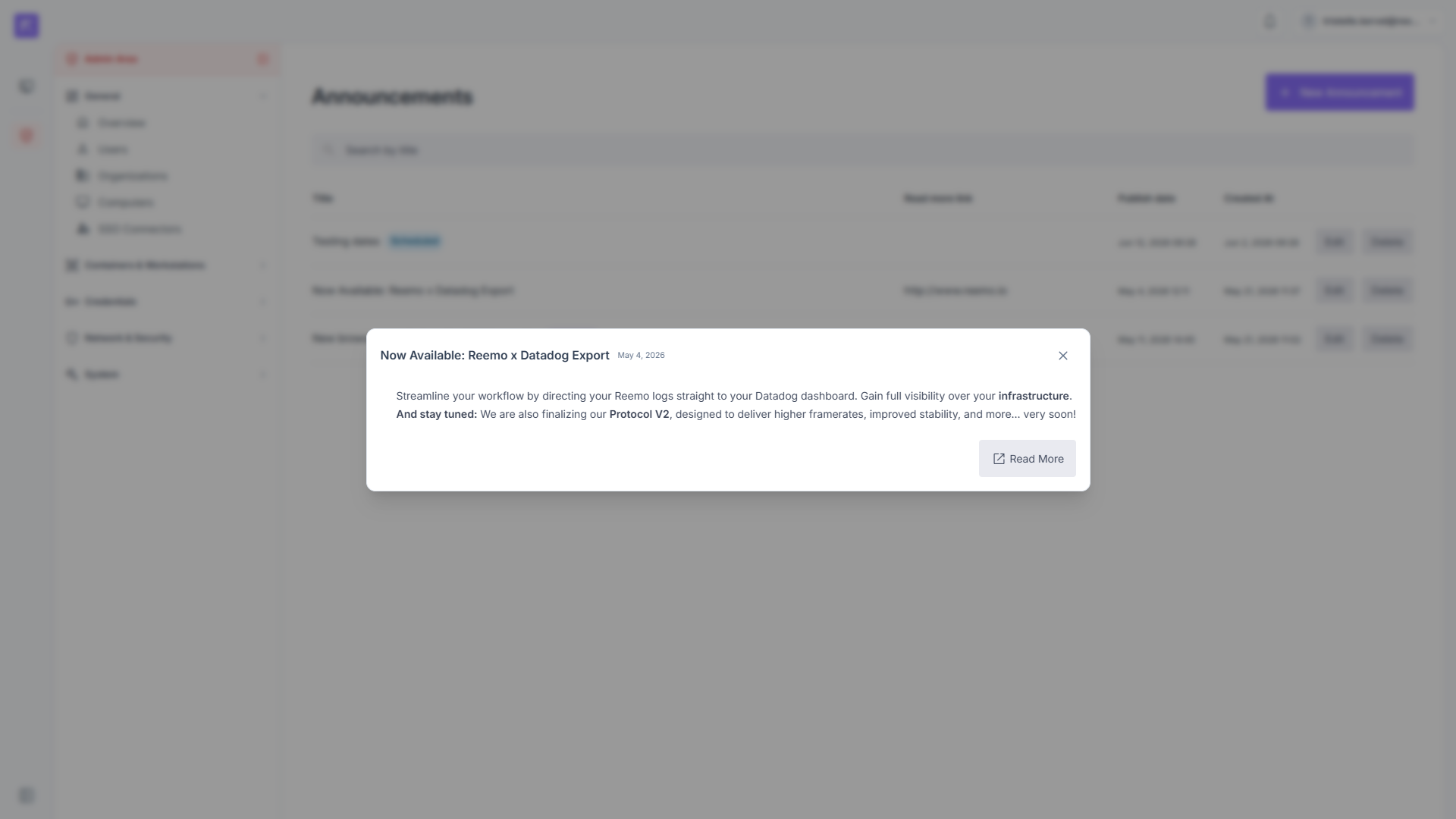
The Notifications dialog.
This dialog displays:
The title.
The detailed content.
An optional Read more button to an external link.
Close this dialog to access the portal.
Notifications Menu
Standard notifications and history are accessible via the Bell icon at the top right.
Notification icon with an unread badge.
Quick view: Click the Bell icon to view the last 5 notifications, along with their title and publication date.
Full view: Click a notification in the list to open it in the central dialog.
Note
If your organization uses the approval workflow, pending and answered access requests also appear here — see Requesting Access to a Restricted Resource.