Logs
The Logs tab shows a raw, timestamped log of the current session — connection negotiation, codec/bandwidth changes, keyboard/clipboard state, and similar internal events.
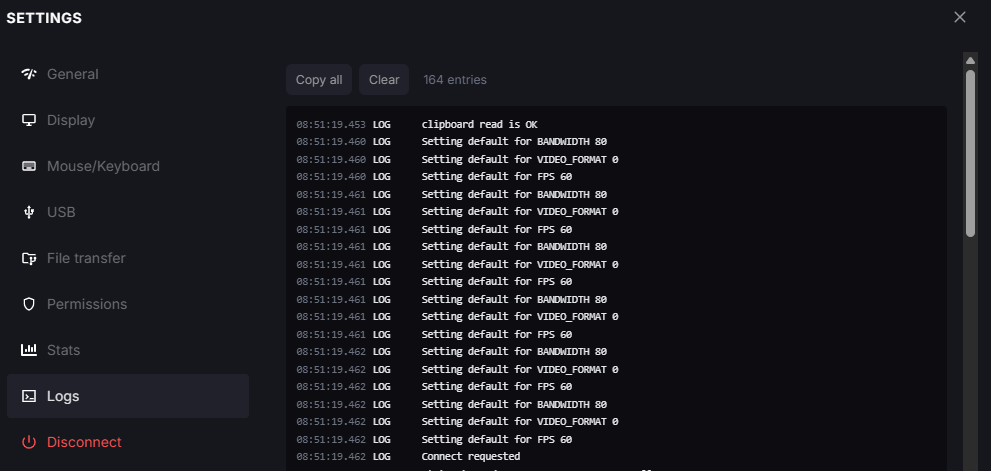
Settings panel, Logs tab.
Use Copy all to copy every entry, or Clear to empty the log. This is primarily useful when reporting an issue to Reemo support.
Note
Log entries can include technical network details (for example, candidate IP addresses and ports). Avoid sharing raw logs outside of a support request.
Back to the Settings panel overview.